Designing the Product Experience for Back-Office Workflow Automation
View the Live Project
Click to Copy!
Copied!
Role
Product Designer
Industry
Enterprise AI, B2B SaaS
Team
Co-founders, DeVops, NLP, Frontend
Duration
4 months
Summary
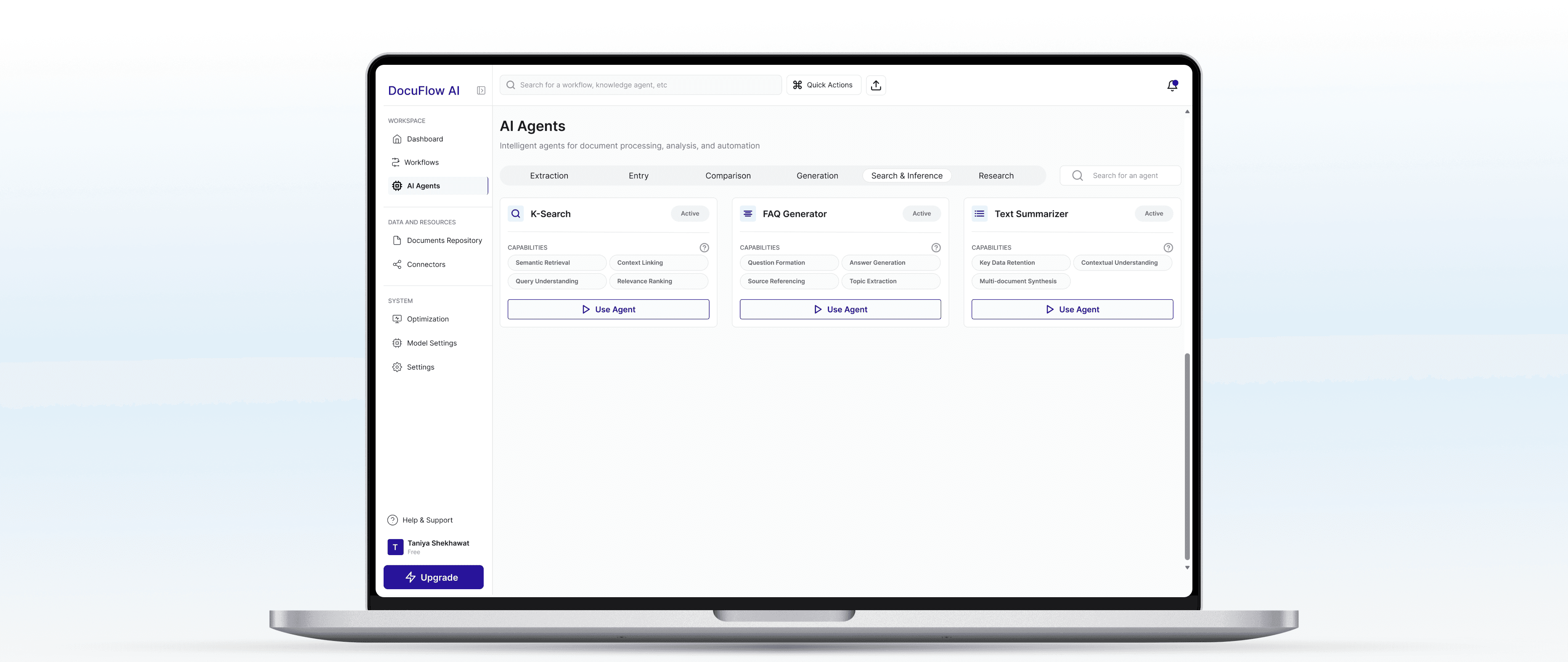
I designed a complex enterprise AI platform that automates unstructured data workflows. My work focused on defining clear workflows, organizing the product architecture, and building a consistent design system so users could operate multiple AI agents efficiently without technical dependency.
Problem
The product had strong AI capabilities but poor usability.
Workflows were scattered, navigation was inconsistent, and each AI agent functioned differently. Non-technical teams struggled to understand what to do, where to start, and how to trust the system’s outputs.
Solution
I structured and designed the product experience of platform around a workflow-based architecture, mapping every action from document input to AI output. I standardized screen patterns, and established a design system to support scalable feature growth. The outcome was a clear, learnable, and maintainable user experience that connected engineering logic with operational clarity.
Design Process & Rationale
Phase 1 - Discovery
Challenge: Understanding complex AI technology and enterprise user needs.
Studied how AI pipelines (multi-LLM orchestration, parsing, microservices) connected to user tasks.
Interviewed internal teams to identify bottlenecks between engineering logic and user workflows.
Researched competing platforms in AI workflow automation and enterprise document intelligence.
Analyzed user personas: operations managers, analysts, and compliance teams with varied tech exposure.
Key Decision: Positioned AI agents as workflow building blocks, not standalone tools, reframing the product from “many features” to “one connected system.”
Phase 2 - Strategic Foundation
Challenge: Designing scattered functionality work as a single mental model
Conducted comprehensive UX audit documenting fragmentation across 40+ screens
Mapped all user journeys and task dependencies, highlighting gaps and redundant steps.
Reorganized information hierarchy so every screen showed “current state” and “next possible action.”
Defined accessibility baselines: readable contrast, logical tab order, and visible feedback for all system states.
Key Decision: Introduced a standardized Input → Processing → Output flow pattern across all agents to reduce relearning and make workflows traceable.
Phase 3 - Design & Systemization
Challenge: Designing consistency across 12+ AI agents with different functionalities.
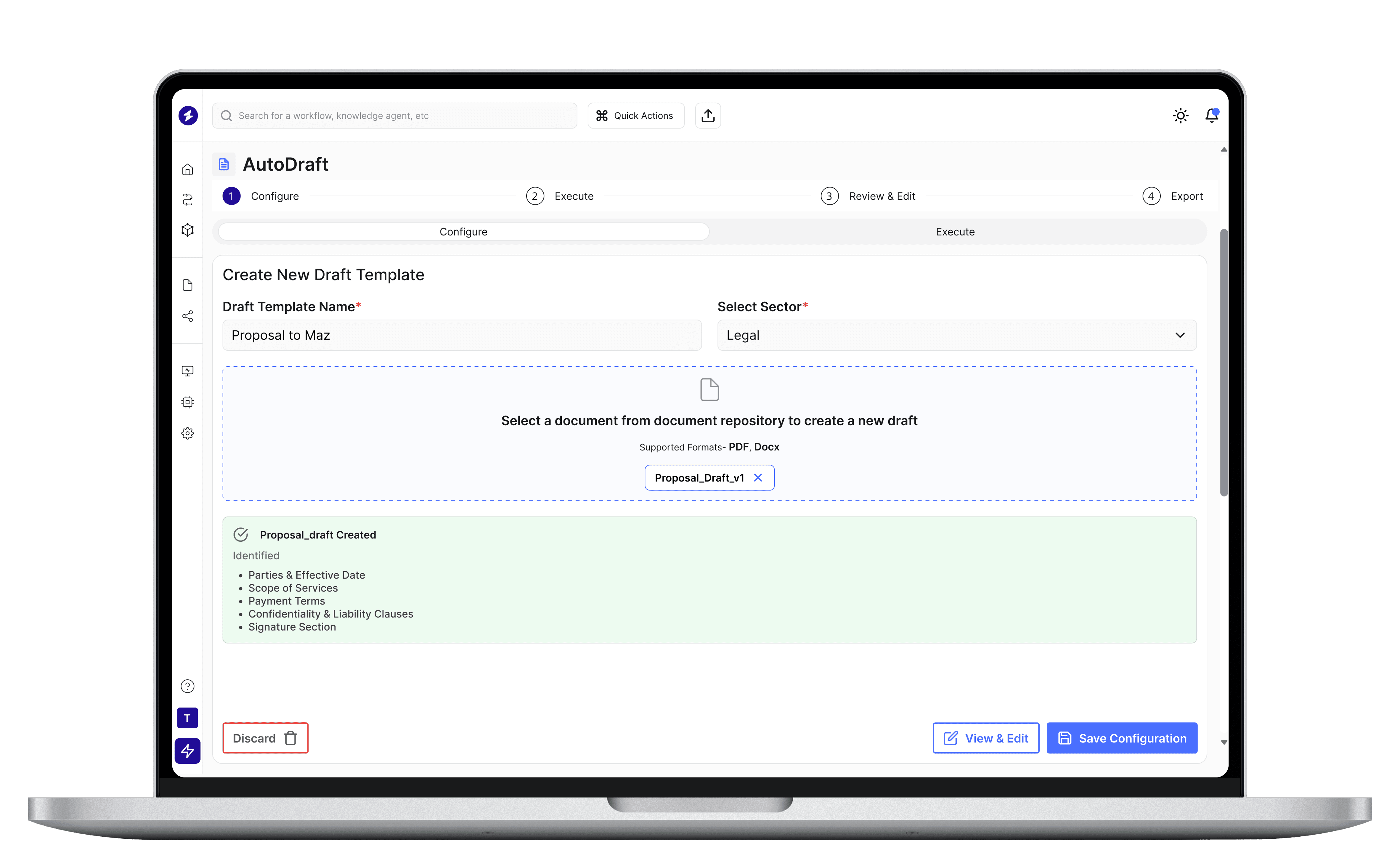
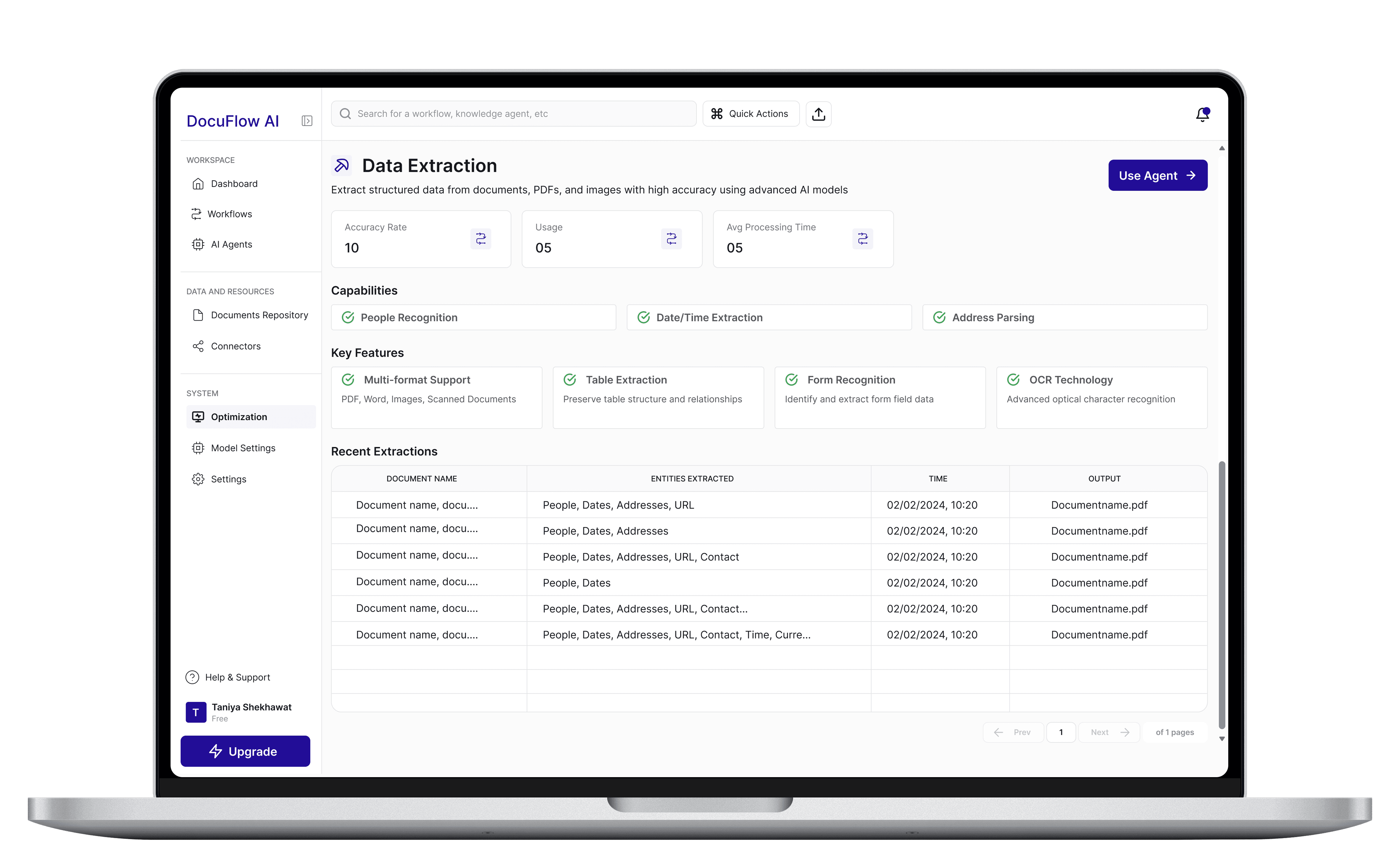
Created an end-to-end flow: Login → Dashboard → AI Agents → Workflow Canvas → Model Settings → Connectors → Optimization.
Built a design system grounded in atomic design principles.
Defined shared templates for agent setup, configuration panels, dashboards, and data outputs.
Added real-time progress indicators, inline validation, and contextual explanations for AI decisions.
Key Decision: Focused on visibility and control, users should always know what the system is doing, what’s pending, and what failed.
Impact
Enabled non-technical users to create and monitor AI agents independently, increasing onboarding and launch.
Reduced steps in key workflows and simplified navigation across modules.
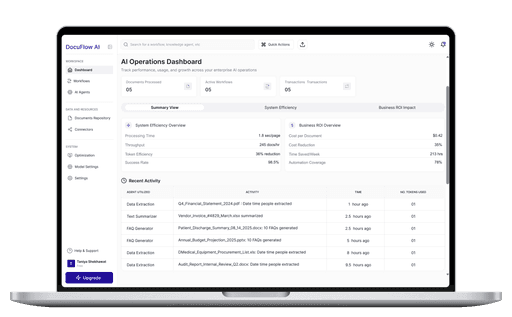
Increased transparency in AI processing through visible states and logs.
Shifted the product from engineer-first to user-operable, making AI automation practically usable at scale.
Takeaways
Understand the system before the screen. Knowing how AI logic works is key to designing for it.
Pattern consistency builds trust. A shared mental model reduces friction and learning effort.
Visibility equals control. Showing progress and errors is more valuable than adding more options.
Accessibility drives efficiency. Clarity and legibility are productivity tools, not just aesthetics.