
Designing Prompt Interaction for Gen AI Use Cases
Role
Product Designer
Industry
AI Products & Platforms
Team
Solo
Duration
2 Weeks
Summary
In generative AI tools, the prompt box has become the primary interface, where users express intent, constraints, and expectations to complex systems. Traditional textboxes were never designed to support this level of cognitive effort.
This project explores use-case-specific prompt boxes that acknowledge how difficult and error-prone prompt writing can be. By tailoring interactions to different AI tasks, the designs help users think more clearly, express intent naturally, and collaborate with AI more effectively.
Problem
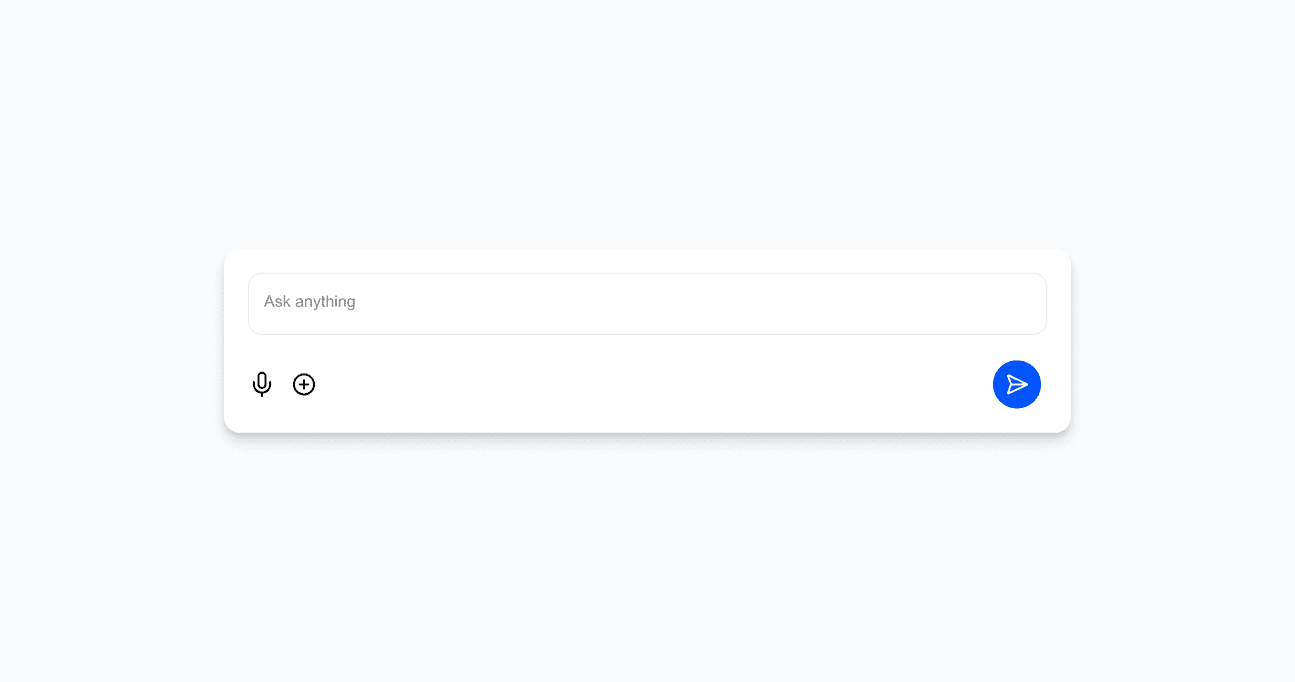
Prompt boxes are now the most common interactive element in generative AI tools, but they are also one of the weakest.
Across tools, users struggle with:
Not knowing how much to write
Not knowing how to structure prompts
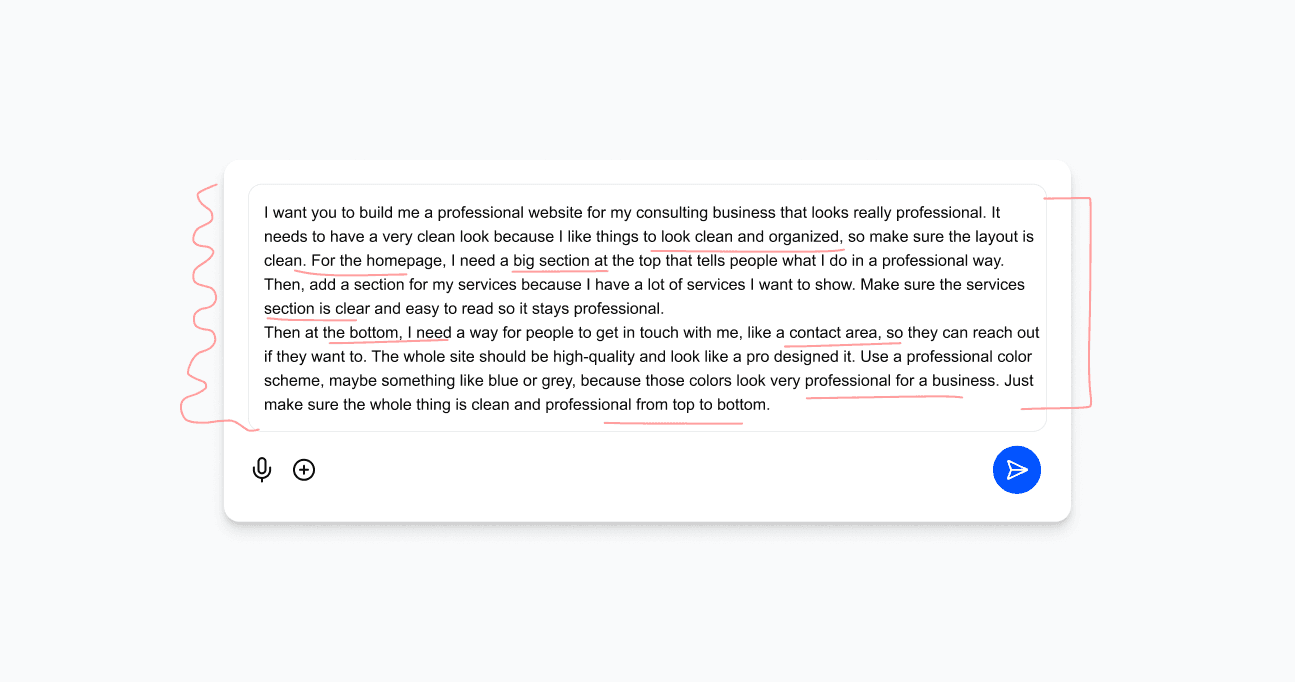
Mixing intent, context, constraints, and references in one block
Long prompts becoming hard to scan or edit
Ambiguity around results which do not satisfy the user due to incorrect prompting
Design Approach
This project treats the prompt box as an interaction layer, not an input field.
The guiding question:
Can the interaction pattern remain familiar across AI use cases, while orchestration adapts to task complexity?
Instead of redesigning prompts visually, the focus was on guiding thinking—helping users externalise intent, structure, and constraints through interaction.
Solution
I designed a family of prompt boxes, each optimized for a specific AI use case, while sharing a consistent interaction logic.
Instead of treating prompts as raw text, each prompt box acts as a cognitive support system, helping users think, structure, and communicate their intent clearly.
Key principles:
Keep the primary input simple and low-pressure
Shift complexity away from raw text into guided UI
Make intent, structure, and constraints visible
Support both beginners and power users through progressive disclosure
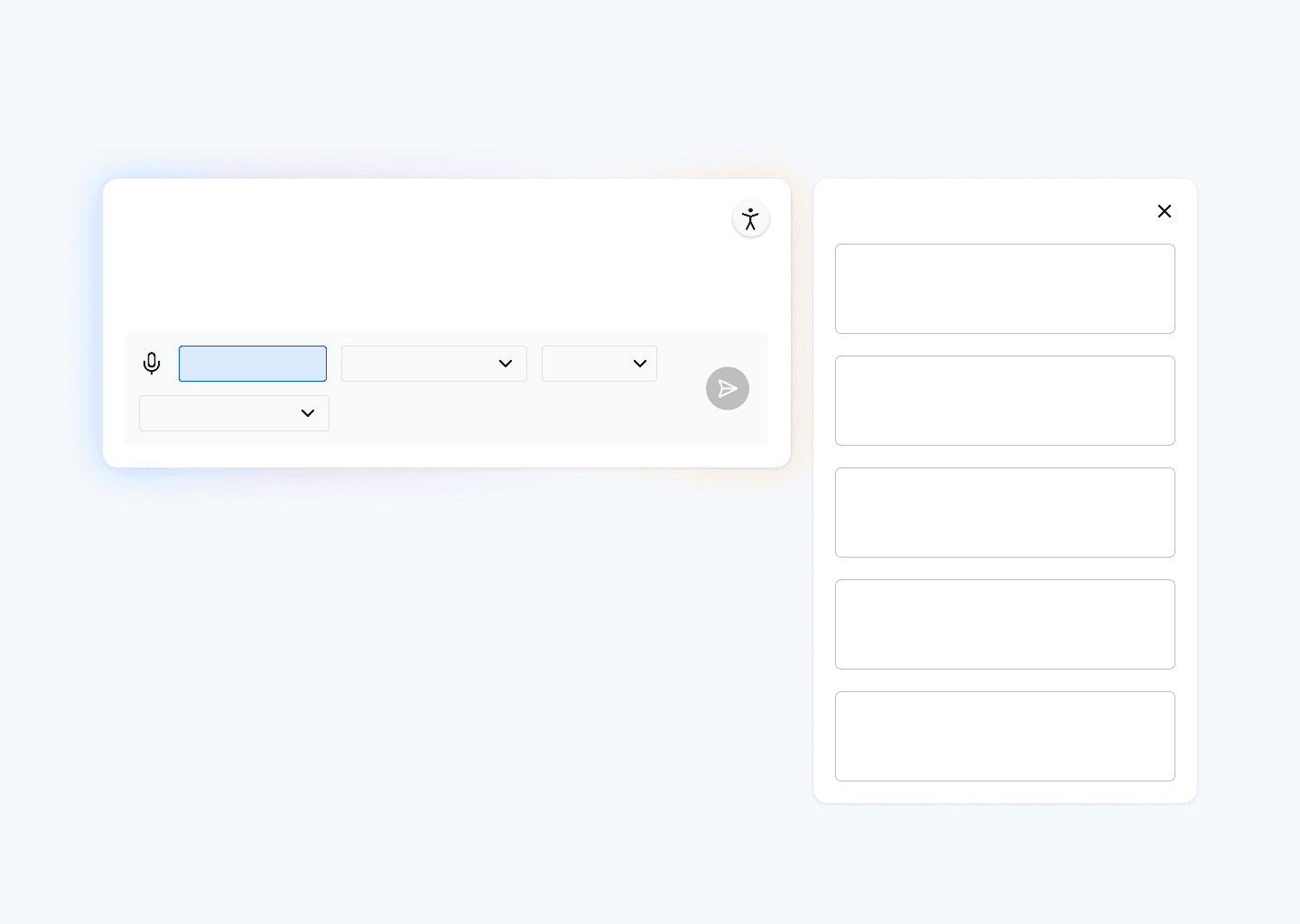
A side context window plays a central role, holding what AI systems typically need to perform well, references, assets, constraints, structure, so users don’t overload the prompt itself.
Different use cases require different orchestration, but users interact with them through a consistent mental model.
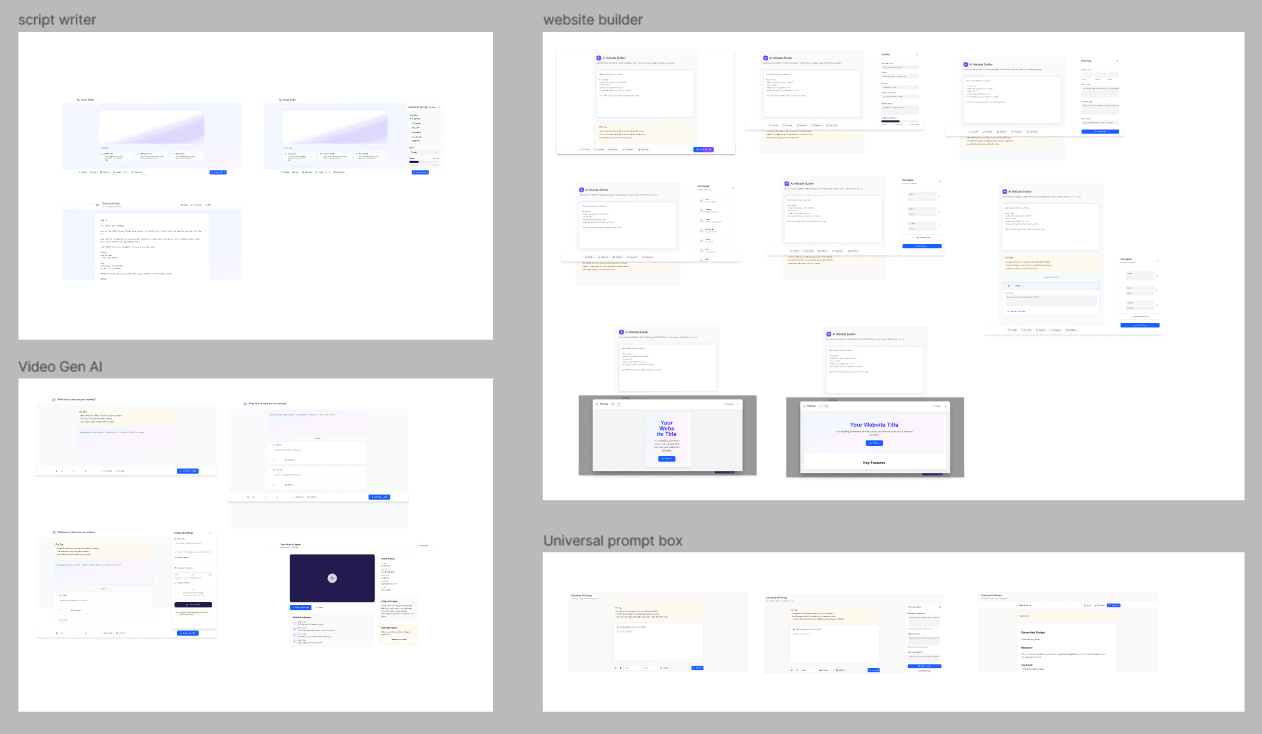
Use Cases
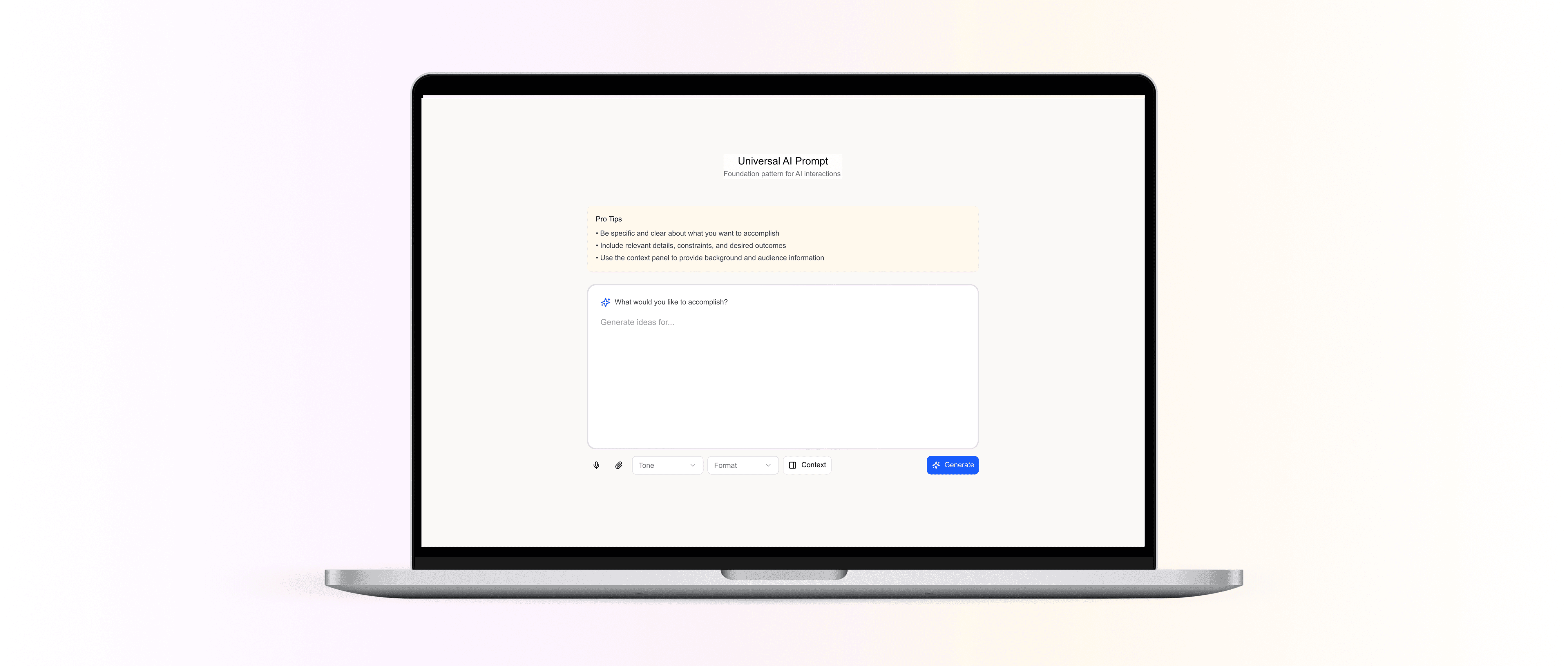
Universal Prompt Box
Problems Observed
Long content in small textboxes causes scroll fatigue
Tone, structure, and audience remain unclear
Rewriting prompts becomes repetitive
Design Solutions
Expanded writing canvas for long-form input
Built-in tone and structure controls
Section-based blocks with inline guidance
AI Website Builder
Problems observed
Users struggle to describe layouts and hierarchy in plain text
Important design decisions (sections, CTAs, hierarchy) are implicit
Prompting mixes design intent with content
Design solutions
Controls for layout type, sections, text hierarchy, and CTAs
Section-based blocks for pages and components
Visual structure over abstract language
AI Video Generation
Problems observed
Video requires sequential thinking, but prompts are linear
Users struggle to express scenes, pacing, and transitions
Long prompts become chaotic
Design solutions
Scene-based prompt structure
Collapsible scene blocks for better scanning
Duration and motion controls placed near input
References attached per scene
AI Script Writing
Problems observed
Writing long content inside small textboxes causes scroll fatigue
Tone, structure, and audience are invisible variables
Users repeatedly rewrite instructions
Design solutions
Expanded writing canvas instead of a constrained textbox
Tone and structure controls built into the prompt flow
Section-based writing blocks
Inline guidance for clarity
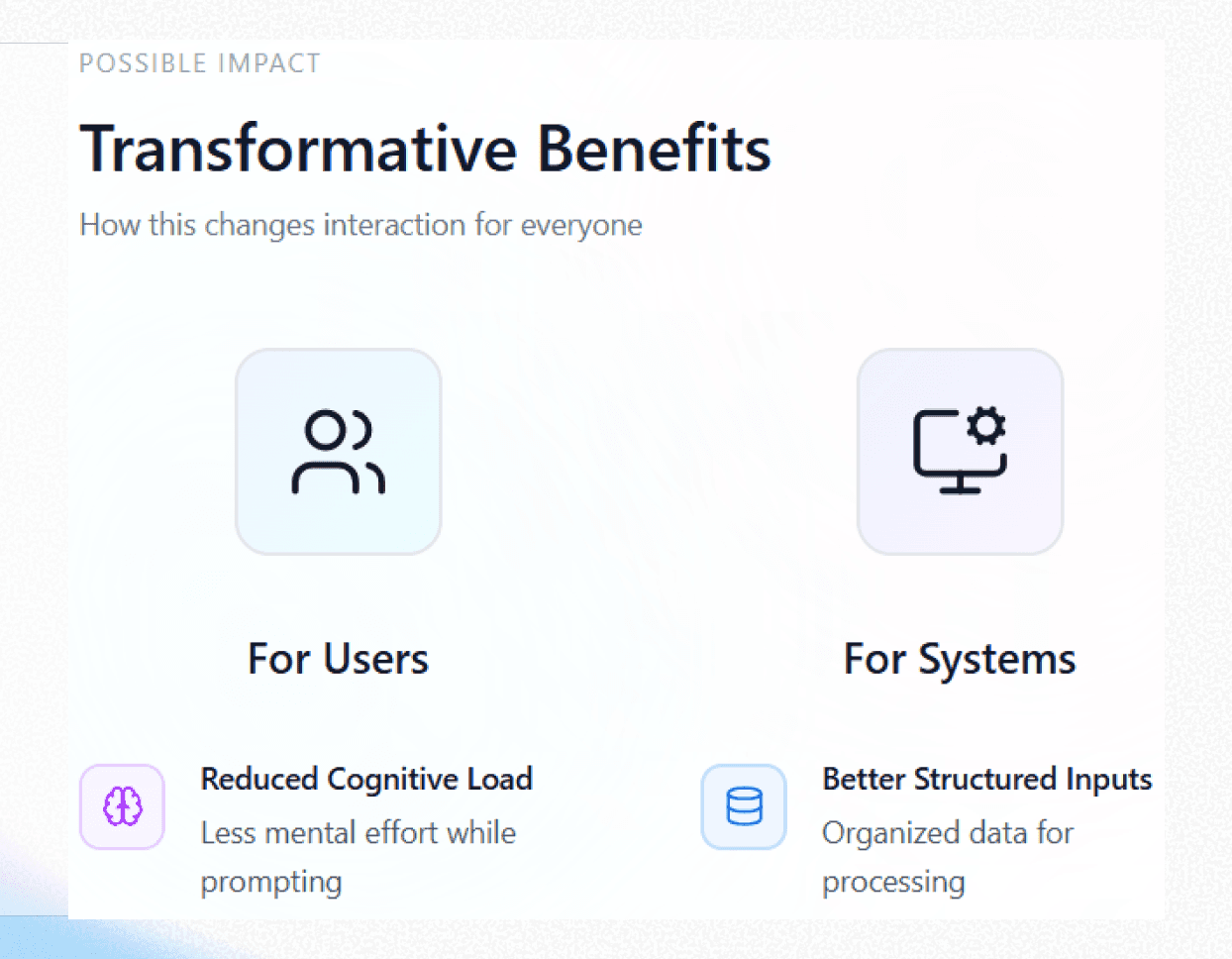
Possible Impact
For users
Reduced cognitive load while prompting
Increased confidence and clarity
Less trial and error
More accessible interaction patterns
For systems
Better structured inputs
Clearer intent for AI models
More predictable outputs
Reduced ambiguity and misuse
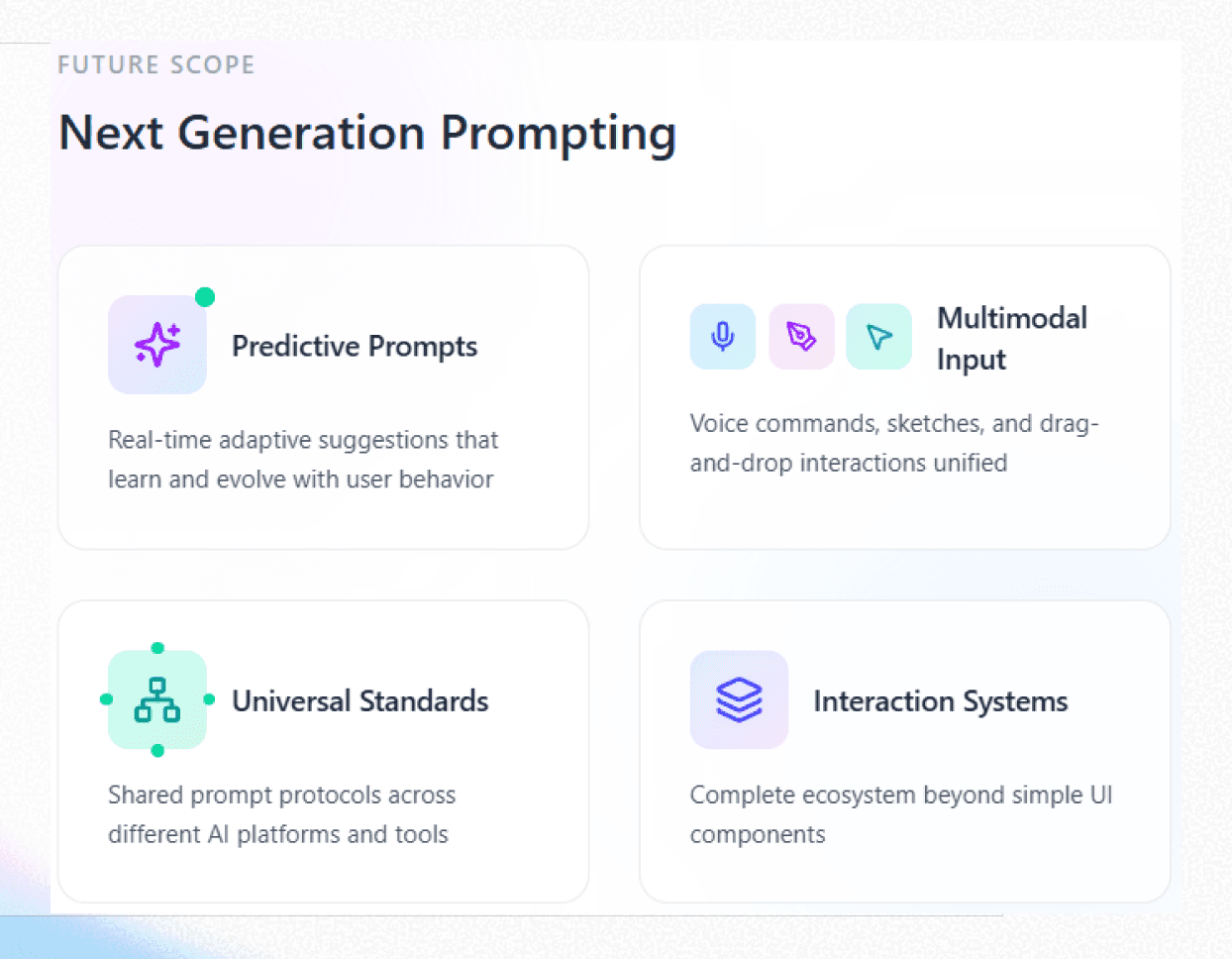
Future Scope
Predictive prompt boxes that adapt in real time
Multimodal prompting (voice, sketch, drag-and-drop)
Shared prompt standards across AI tools
Prompt boxes as full interaction systems, not UI components